
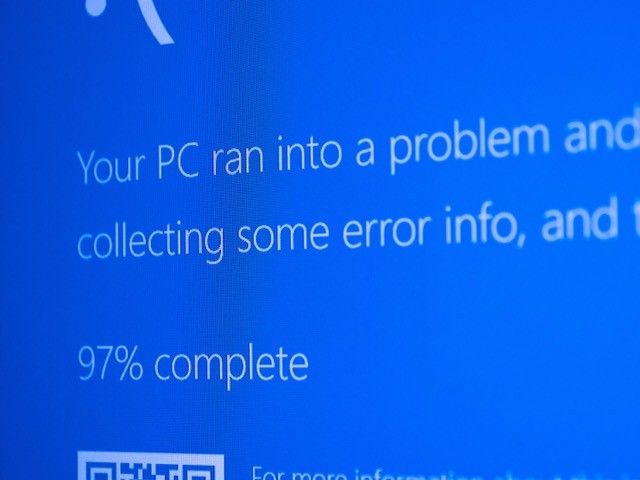
 Tech acting up but you’re not sure what went wrong? A quick screenshot and an AI assistant might be all you need to translate the error message into clear, simple next steps.
You can upload an error message screenshot to ChatGPT or your favorite AI assistant, ask it to explain what’s happening, and how to fix it. I recently did this when my Sonos system stopped working from my iPad. It quickly walked me through the troubleshooting steps so I could get back to listening to my favorite music throughout my home.
Here’s how to use it:
- Screenshot an error message from your computer, phone, or tablet
- Upload it to Chat GPT or your favorite AI assistant
- Ask: “Explain what this error means and how to fix it.”
It’s like having a friendly tech support agent in your pocket. The next time something glitches, try a quick screenshot instead of waiting on hold.

Related Posts