
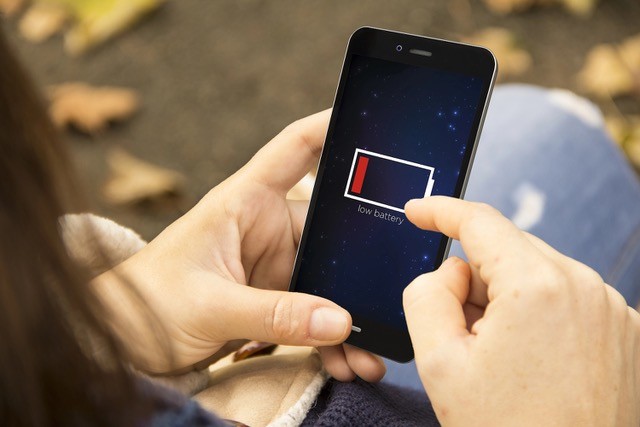
 If your iPhone battery seems to drain faster than it used to, your email settings could be part of the problem. By default, most iPhones use “Push,” which keeps an active connection to your email server so new messages arrive instantly. That constant connection uses more battery, especially if you’ve set up several email accounts.
Switching to “Fetch” tells your phone to check for new mail only at intervals you set (every 15, 30, or 60 minutes) instead of staying connected all the time. This can noticeably extend battery life, particularly on older phones or if you have multiple accounts syncing.
How to change your email server connection:
- Settings > Apps > Mail > Accounts > Fetch New Data
- From there, turn off Push and choose a Fetch interval.
- Or select “Manually” if you only want new mail when you open the app.
Switching from Push to Fetch takes less than a minute and costs nothing, but it can add meaningful hours back to your battery life. Try it for a few days, and if you don’t miss the instant alerts, you’ve found a free upgrade hiding in a setting you never knew existed.