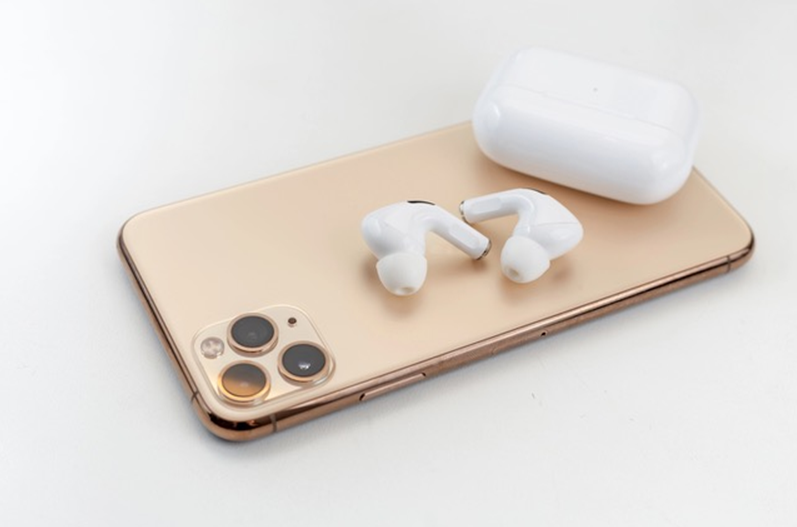
 Have you ever been at a client lunch where the restaurant is so loud, you just nod and smile, and hope you didn’t agree to something important? There’s an app for that. Actually, it’s already on your iPhone, and you just need your AirPods paired to it to work.
It’s called Live Listen, and it turns your iPhone into a remote microphone that sends sound straight to your AirPods. Here’s the trick: set your phone on the table near whoever’s talking, put in your AirPods, and their voice comes through clearly in your ears, even over the clatter of plates and the birthday song at the next table.
Here’s how to set it up:
- Go to Settings > Control Center and add the Hearing control.
- Put in at least one AirPod.
- Place your iPhone near whoever you want to hear.
- Open Control Center, tap the ear icon, then tap Live Listen.
Pro tip: If it won’t start, go to Settings > Accessibility > Hearing Devices and turn on Hearing Aid Compatibility. That fixes it most of the time.
Now you’ll know what you agreed to at lunch. No more nodding along and hoping for the best.