
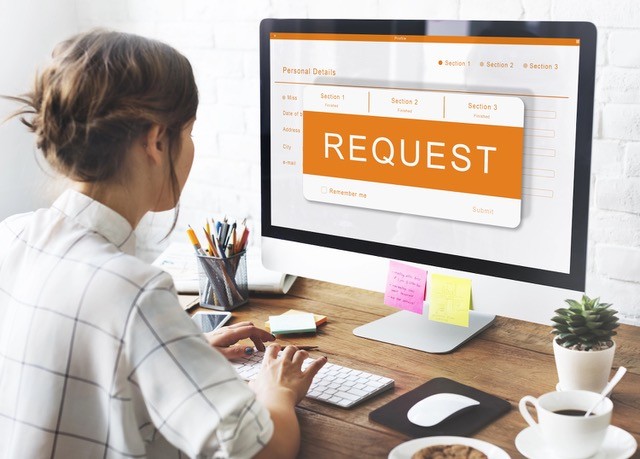
 Hackers increasingly use fake calendar invitations to trick users into clicking malicious links or unknowingly granting access to sensitive information. These invites often look legitimate, mimicking meeting requests from vendors, coworkers, shipping companies, or Microsoft/Google notifications. Once opened, they may prompt users to click a harmful link, download a malicious file, approve access to a mailbox or calendar, or enter login credentials into a fake sign‑in page.
Because calendar invites automatically feel more “trusted” than random emails, many people lower their guard when interacting with them.
Here’s how to avoid getting hacked:
-
Do not accept unexpected meeting invitations from unknown senders.
-
Hover over links before you click them to see where they lead.
-
Be cautious of urgent wording such as “Action Required” or “Account Suspension.”
-
Verify suspicious invitations directly with the supposed sender.
-
Report unusual calendar invites to your IT department immediately.
One careless click can turn a fake meeting into a very real security incident. Treat unexpected calendar invitations with the same caution you would a suspicious email.