
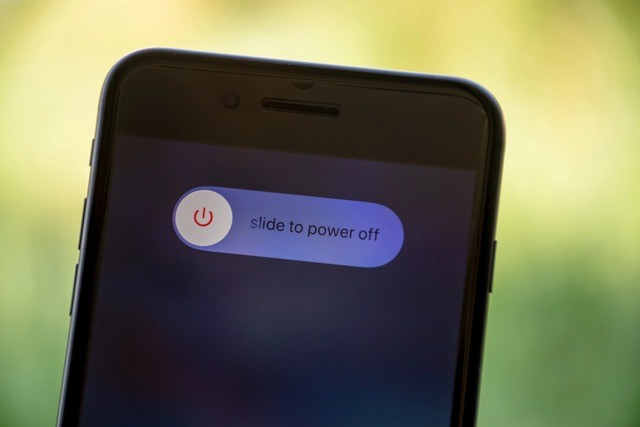
 Did you know there are two different ways to reset your iPhone that can help it run better and stay more secure?
These resets can:
-
Improve overall performance
-
Fix minor glitches
-
Make your phone more secure
Your iPhone performs better if you turn it completely off for about 5 minutes (not just 1–2 minutes) once a week. There are two ways to power down:
- Standard power down
Press the volume up button on the left side and the right side button at the same time, then slide to power off. - Hard reset (use this if you notice performance problems or severe battery drain)
Quickly press volume up, then volume down, then press and hold the right side button until the phone powers off.
By taking a few minutes each week to properly reset your iPhone, you can keep it running smoother, more securely, and closer to its peak performance.

Related Posts